What’s in Our AI Toolbox 2026: A Snapshot of How Devblock Embraces AI Today

Chenyu ("Jim") Gao
February 4, 2026
In 2026, the strategic value of a company’s AI toolbox is best measured not only by the underlying AI models adopted, but also by their operational maturity: the establishment of standardized processes, well-defined intervention points, demonstrated productivity improvements, and governance frameworks that enable secure and scalable deployment. When organizations can clearly delineate assistive AI functions, autonomous agent capabilities, and areas requiring human validation, they transition AI usage from tactical experimentation to foundational business transformation.
General-purpose assistants are best positioned as a “cognitive layer” across the company: they reduce time-to-first-draft, accelerate understanding, and create a shared baseline for thinking. The leadership opportunity here is standardizing prompt patterns, review expectations, and safe-use boundaries so quality stays consistent even as usage scales. Teams that win don’t just use AI assistants more, they use them more predictably.
AI “brains” you can ask about almost anything – ideas, explanations, research, and drafts.
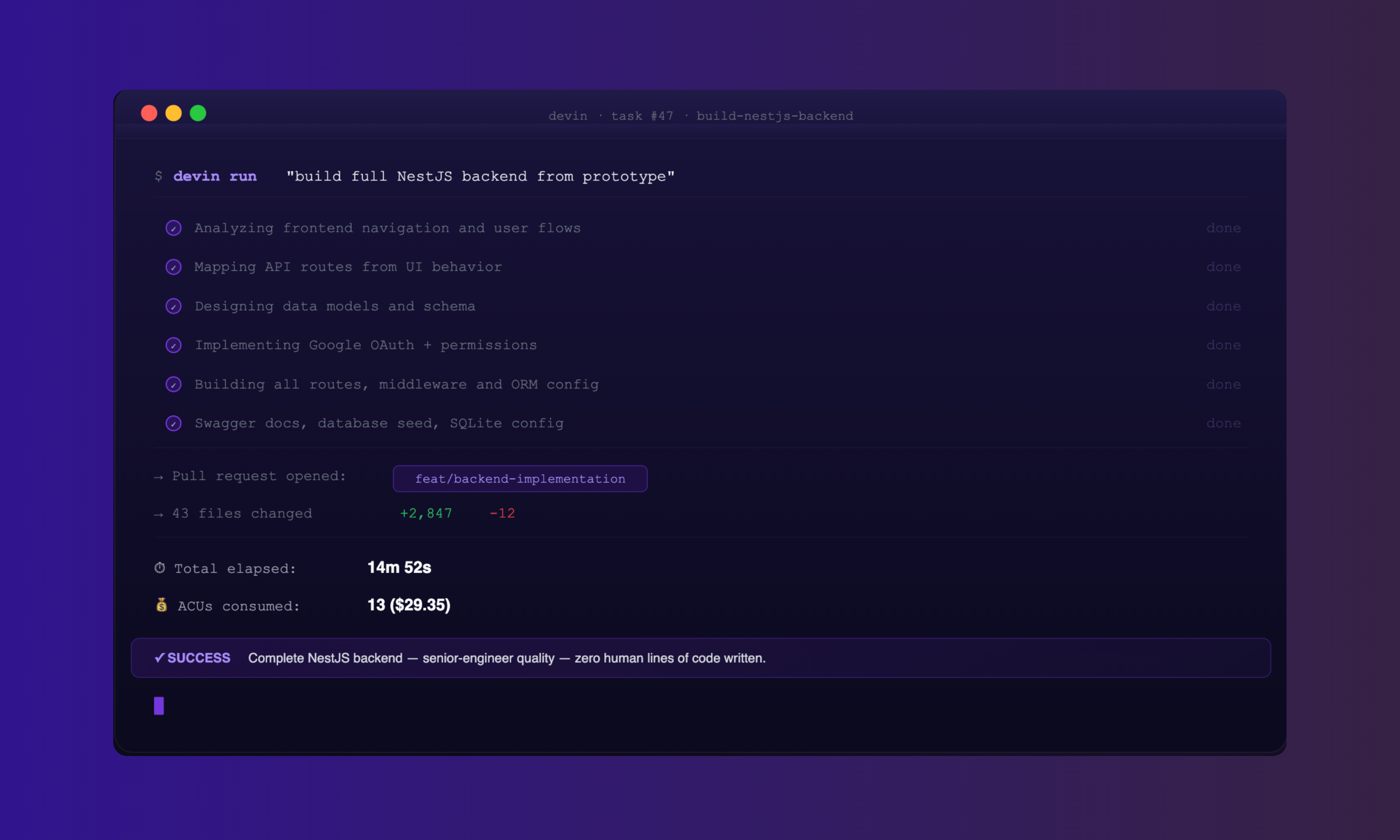
This is where AI value becomes easiest to prove. The strongest signal in mature teams is a clear “agent → human review → test → merge” loop with defined checkpoints. The real differentiator isn’t autocomplete, it’s accelerating large upgrades, multi-file refactors, and repository-wide change management without sacrificing correctness. The leadership move is to formalize: what tasks AI can do end-to-end, what requires peer-review, and what must be validated by human-led automated tests.
Tools that help developers write, understand, test, and upgrade code faster.
Orchestration is how AI becomes “real work” instead of “nice answers.” When teams connect AI to systems of record and define triggers, approvals, and rollback paths, they create compounding leverage. The leadership lens here is governance: log what ran, what it changed, who approved it, and how exceptions are handled. That’s how you scale automation without creating hidden operational risk.
Tools that move data and tasks around so people don’t have to.
In product teams, speed-to-clarity matters more than speed-to-polish. These tools compress the distance between an idea and a tangible UI artifact, which improves alignment and reduces rework. The thought leadership angle: treat AI-generated UI as a conversation starter, then apply human taste, accessibility discipline, and real user context to turn prototypes into credible product decisions.
Tools that turn written ideas into screens and layouts quickly.
For content, AI maturity looks like “brand accuracy at speed.” The win is not more output—it’s consistent voice, faster iteration, and tighter review cycles. The leadership posture: codify what “on-brand” means (examples, do/don’t lists, tone anchors), and use AI to accelerate drafts while keeping final editorial judgment in human hands.
Tools that help us write clearly, quickly, and on-brand.
What this toolbox communicates—implicitly, and powerfully— is that Devblock is moving beyond “AI usage” into “AI operations.” We’ve already defined engagement levels, surfaced measurable productivity impacts, and separated experimentation from core usage. The next step in the strategic movement is to add a governance layer: how you evaluate outputs, how you handle security and client data, and what “done” means for AI-assisted work.
That’s the difference between a modern toolkit and a scalable, defensible delivery system.